C-A-R-T-A
C-A-R-T-A (in Italian: Compilatore Automatico di Righe, Testi e Anagrafiche, an automatic filler for forms) is a document reader that opens in your browser. In short, it can:
- Open PDFs and digitally signed files (.p7m and similar), check the signatures and compare two versions of a document.
- Annotate and sign: notes, underlining and your signature stay in the PDF you save.
- Organise pages, compress and measure floor plans and drawings.
- Read scans: it extracts the text, so you can select and copy it.
- With AI, fill in forms with your data, summarise, translate, underline the important points and answer your questions about the document.
Four things to know
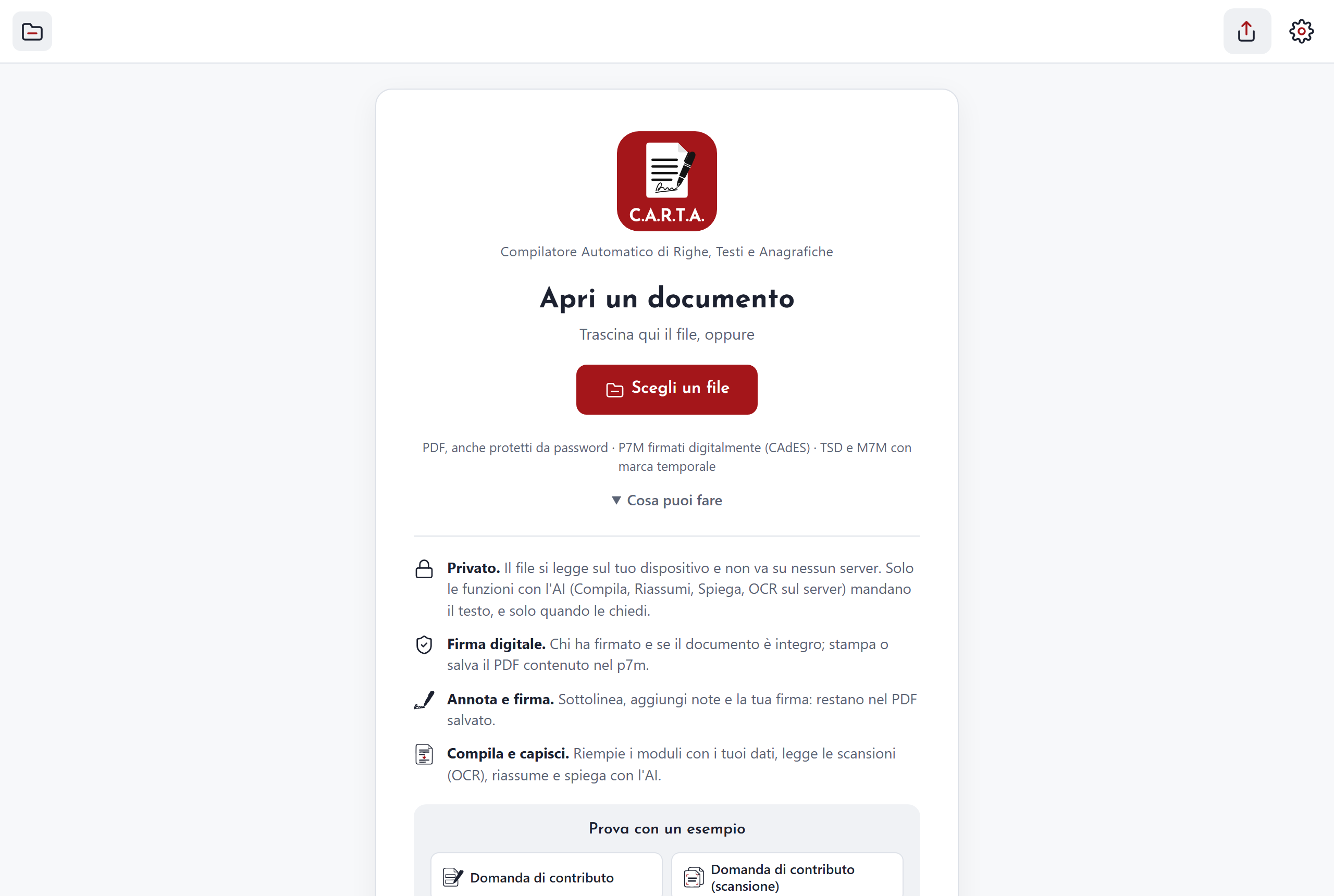
Private
The file is read on your device and does not go to any server. Only the AI features and the "On the server" OCR send what they need to the compiler service (the service that makes them work), and only when you press the button.
Digital signature
Opens .p7m files and tells you who signed and whether the document is intact. It also shows timestamps. You can save the extracted document, or share either the extracted document or the original signed file (with "Share").
Annotate and sign
Add notes, underline, highlight. Add your signature: draw it, type it or take it from a photo, and the device remembers it. It is a graphic signature, which means an image, not a digital signature.
Fill in and understand
With AI it fills in forms with your data and shows you where it took each value from. It summarises, translates the whole document, underlines the important sentences and answers your questions. It also reads scans.
Which files it opens
- PDF, including password-protected ones: it asks for the password when needed.
- Signed files: .p7m, .p7s, .tsd and .m7m. It also works when a signed file contains another one.
- Electronic invoices (Italian FatturaPA, ordinary and simplified): you see them in a readable form, and the "Original XML" tab is one click away. Other XML files are shown with indentation.
- Text files (.txt) and images.
To open a file press "Choose a file", drag it onto the page or use Ctrl+O. With the app installed you can also use "Open with…" on your computer and sharing from Android.
It installs as an app and works offline
From your browser you can install C-A-R-T-A as an app: on the home page you will find the "Install as an app" button. Once it has loaded, it also works without a network. When a new version comes out, an "Update" button appears and stays there until you press it.
On a phone, documents are laid out for the small screen.